Simple ScintillaEdit edit
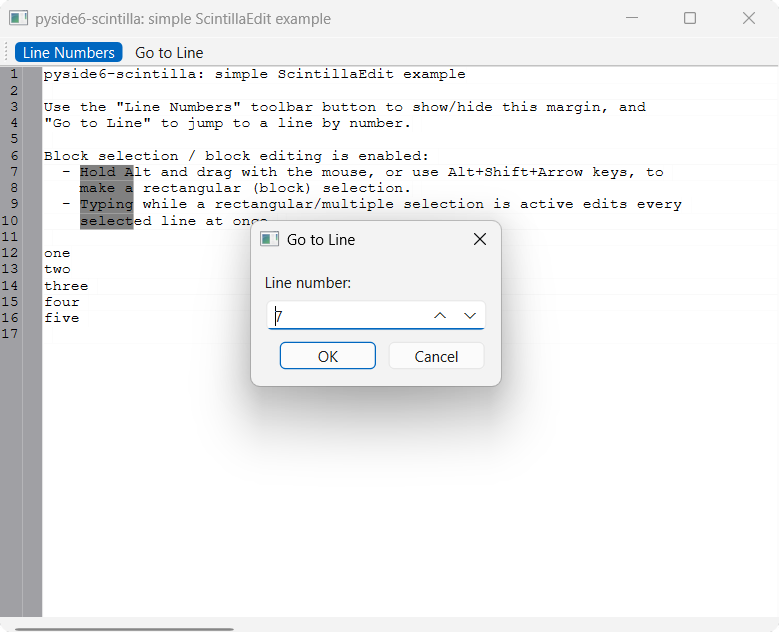
A minimal QMainWindow with a ScintillaEdit central widget, demonstrating:
- a toolbar button that shows/hides the line-number margin
- a "Go to Line" toolbar action
- block (rectangular) selection — hold Alt and drag, or use Alt+Shift+arrow keys
- block (multi-line) editing — typing while a rectangular/multiple selection is active edits every selected line at once
Contrasts with Simple ScintillaEditBase
edit, which uses ScintillaEditBase's raw
send/sends message API: this example uses ScintillaEdit's typed,
per-message methods (e.g. setText(), lineCount(), gotoLine()) instead.
Running
From the repo root, after uv sync:
uv run python examples/simple_scintilla_edit/main.py
Source
examples/simple_scintilla_edit/
Screenshots